Ear training
Hear a note or a chord, then find it.
Free and open source · Mac, Windows and Android
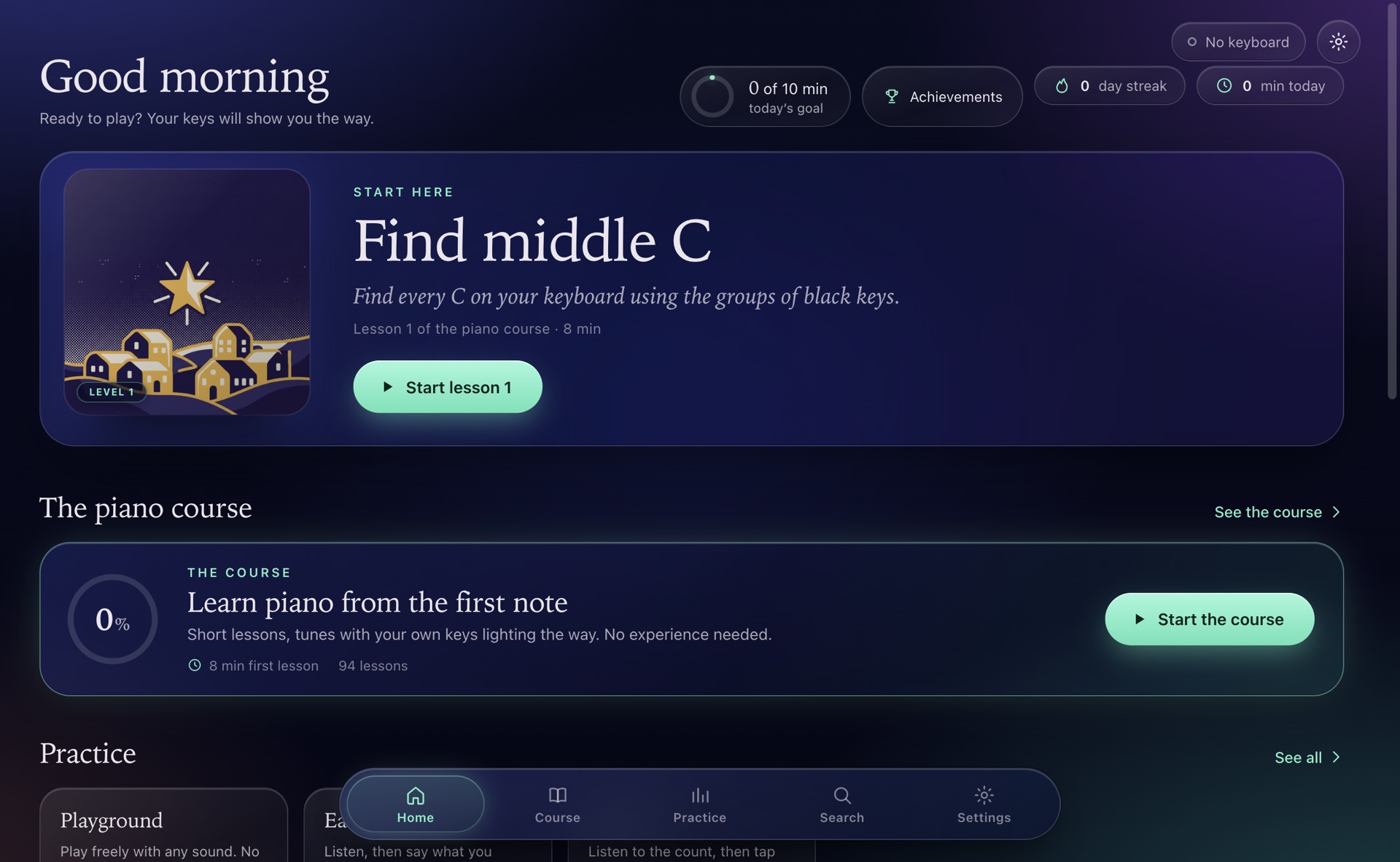
Keylight turns a light-up keyboard into a piano teacher. Notes fall, your keys glow, and the song waits for you.
Screen and keys, together
Every note on screen has a key underneath it. The key starts to glow before its note lands, blue for your left hand and orange for your right, so your hands always know where to go.
No keyboard needed for this part
This is wait mode. Tap the lit key, or press A S D F G H J K. The tune goes at your pace.
Tap the glowing key to begin.
Your own music
Drop a recording on the window. Keylight listens to it, writes the notes, and turns it into a lesson with the original track playing along.
MP3, M4A, WAV, FLAC, AAC, OGG or AIFF, up to twenty minutes. MIDI and MusicXML files work too.
The notes are worked out on your computer. Your file is never uploaded. Want it easier? Keep just the melody and a bass line.
The recording plays in sync and keeps its pitch when you slow it down. A wrong note? Fix it in the editor.
Works best with piano or solo recordings. Links to streaming sites are not supported.
Views
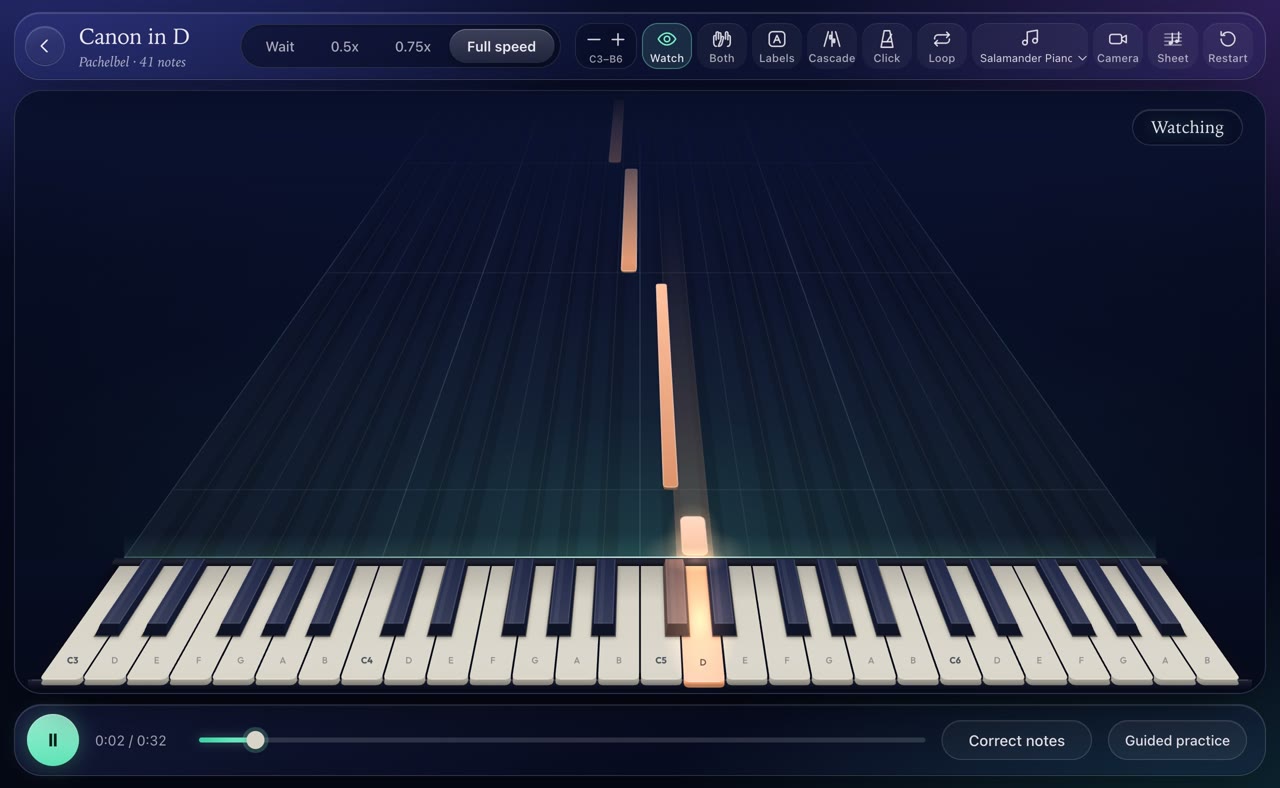
One song, four looks. Pick the one that reads best to you, and change it whenever you like, in the middle of a song too.
Cascade. Notes fall in depth toward your keys, blue for the left hand and orange for the right.
Hands
Learn the left hand by itself, then the right, then put them together. Keylight plays the hand you are not practising.
Both hands. The whole piece, together.
Sheet music
Switch to Sheet only and the falling notes give way to the score. The line shows where you are, the note that is due glows in the colour of its hand, and your keys still light the way.
The course
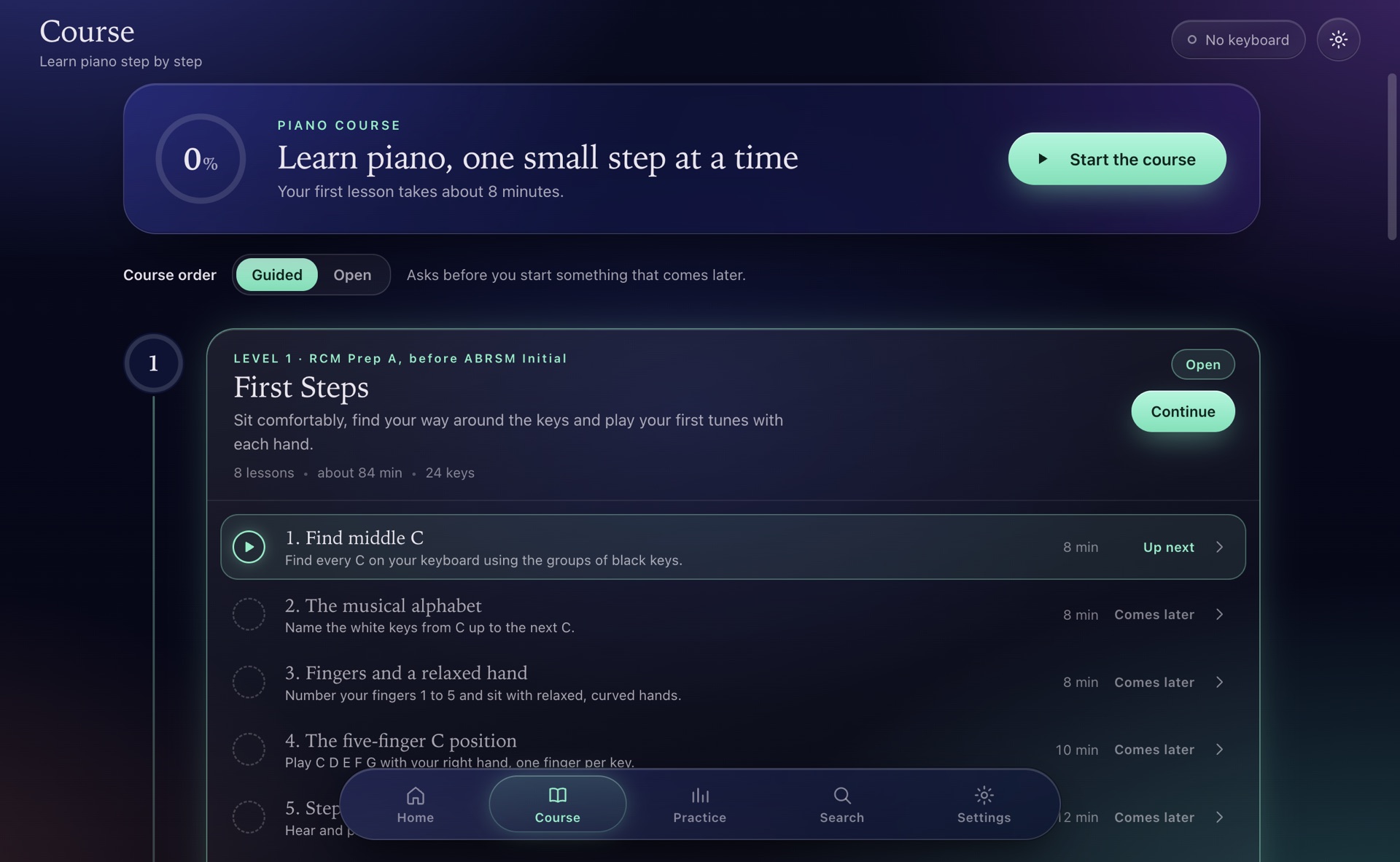
Twelve levels of short lessons, each ending in something to play. Go in order, or open anything you like: the course suggests, it never locks.
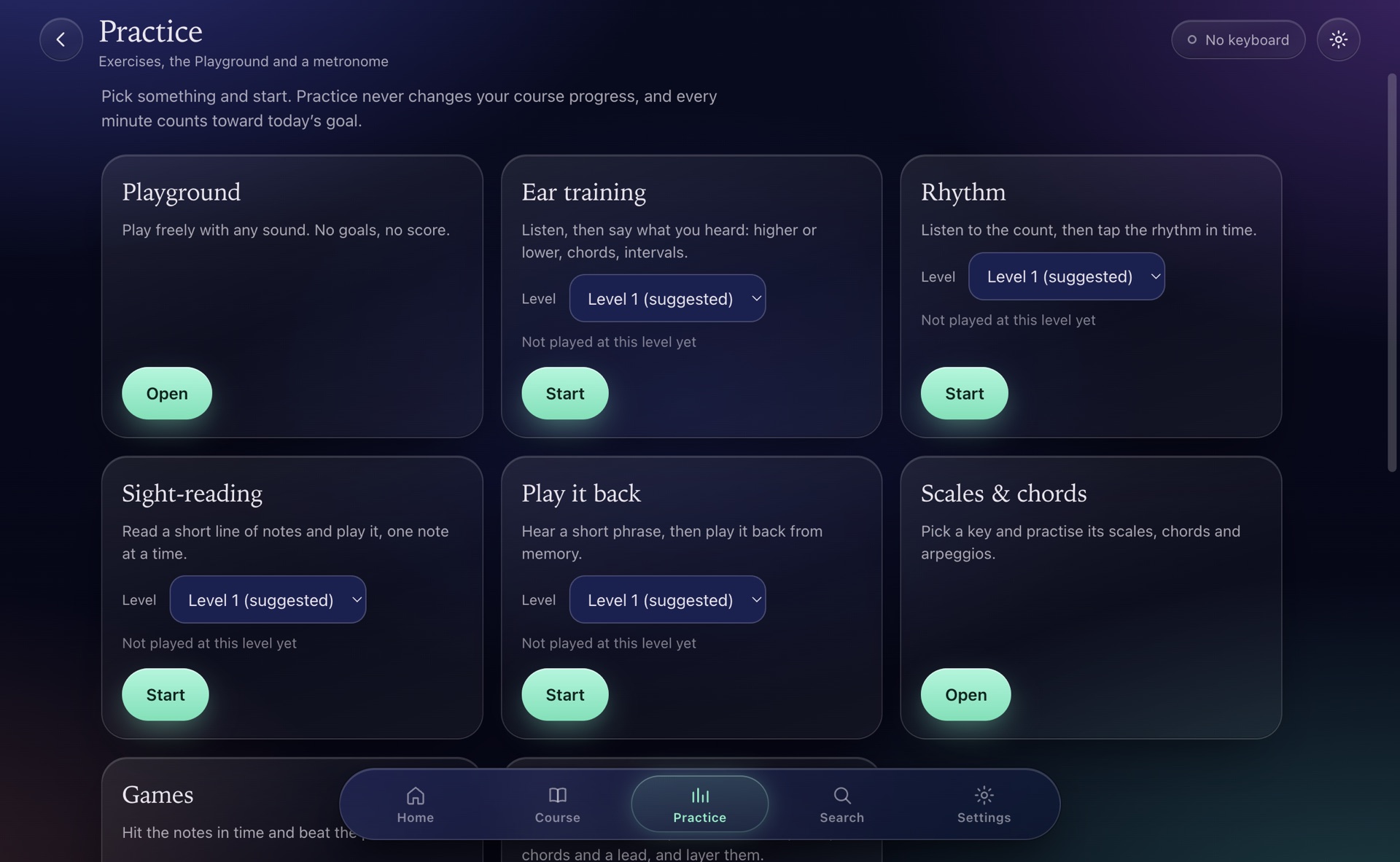
Practice
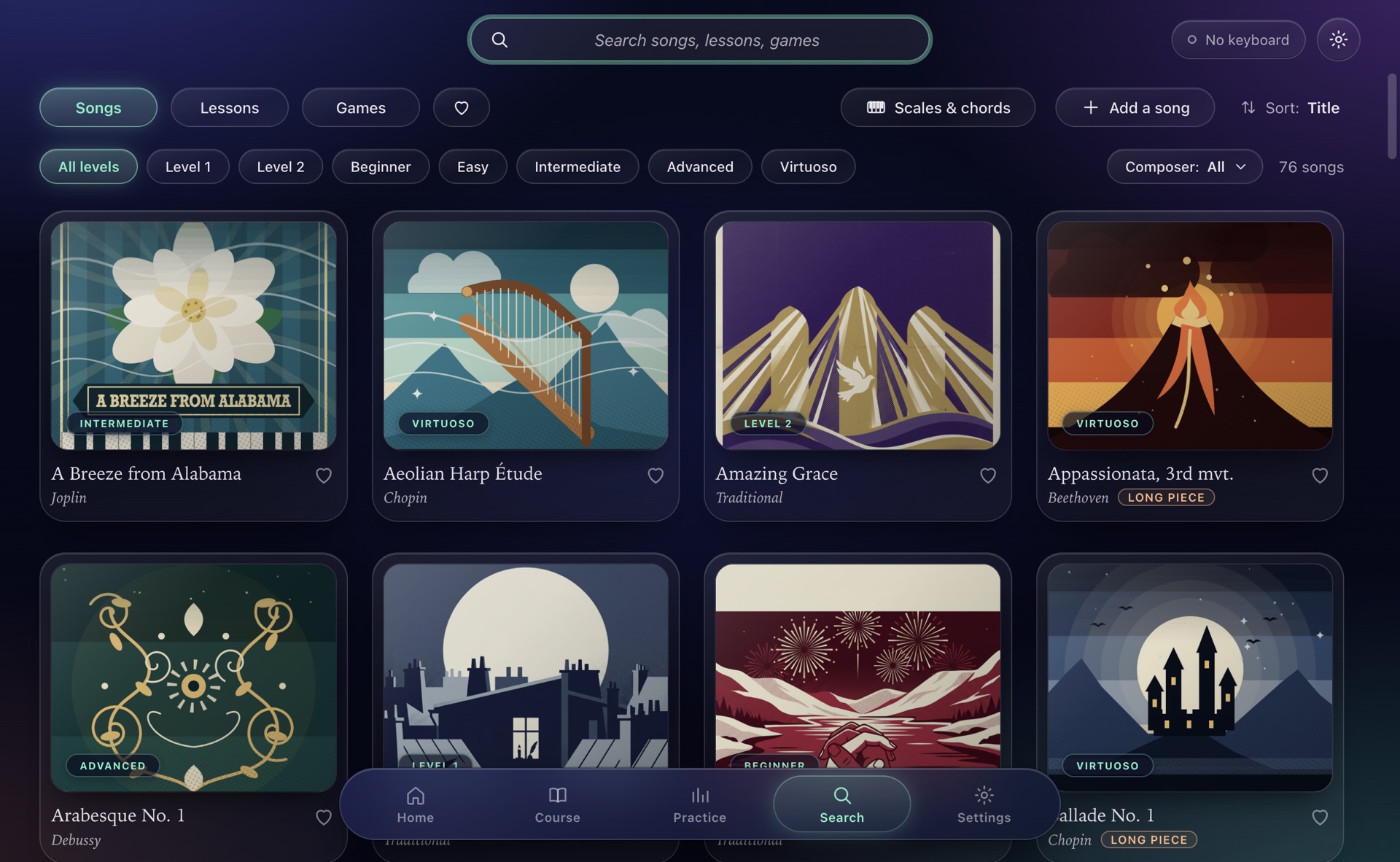
Hear a note or a chord, then find it.
Listen to the count, then tap it back in time.
Notes on the staff, one at a time, at your level.
Any sound, any scale, no score. Light up a scale and every note you play belongs.
Find the key, name the note, beat your best.
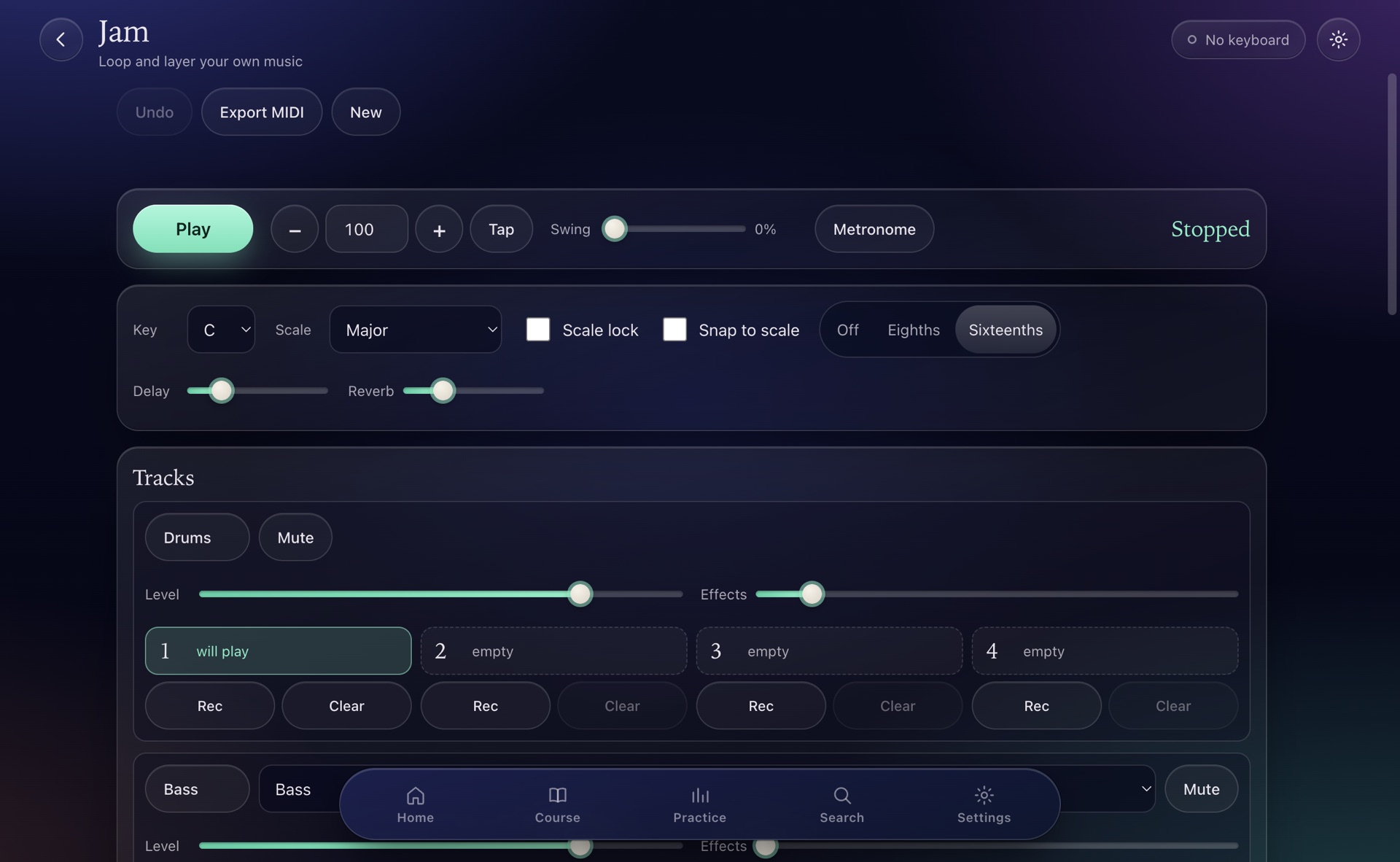
Jam
Start a drum loop. Add a bass line, then chords, then a lead. Lock a scale so nothing sounds wrong, and export the result as a MIDI file.
And the rest
Grand piano, a sampled concert grand, electric pianos, organ, harpsichord, marimba, strings and more.
Wiggle a key to bend the note. Press into it to make it swell.
Save a video of the falling notes and your playing, with sound.
Mark the hard bar, repeat it at half speed, then bring it back up.
Left, right or both. The other hand plays itself.
Five to thirty minutes a day, with stars and badges to collect.
Snap two together for four octaves.
The larger ROLI Piano works too.
One file holds your songs, settings and progress. Daily copies are kept for you.
Labs
These are early. They are honest about what they can do, and they get better with every report.
Point a camera at the keys and Keylight shows which finger is on which note, then compares it with the suggested fingering. It never changes your score.
Have a keyboard that stays dark or only half works? A five-step check builds a short report so support for it can be added.
Raise, tilt or close a hand above the keys to shape the sound. Finger tracking from the sensor is being tested with volunteers and is not confirmed yet.
No account.
No subscription.
No tracking.
Your songs and progress stay on your device. The code is open for anyone to read, under the MIT licence.
Supporting Keylight
Nothing here is locked, and nothing will be. Keylight is made by one person in spare time. If it has earned a place on your desk, a tip helps it keep moving.
The tools used to build and test each release, and keyboards to add support for. More devices is the most asked-for thing, and each one has to be on a desk to get it right.
The app already runs on them. Putting it on the App Store needs Apple's developer membership, 99 US dollars a year. If supporters cover it, Keylight goes on the App Store. If not, it stays a version you install yourself.
Tell someone with a light-up keyboard. Send a device report if yours is not supported yet. Report what breaks. All of it counts as much as money.
Once or monthly, any amount. No account needed to use Keylight either way.
Works with ROLI light-up keyboards. Support for more devices is on the way.
Mac: a disk image. Windows: an installer. Android: an APK file you open on your phone.
Windows and Android are in beta. They are built and tested automatically, but not yet on many real devices. If something is wrong, tell us and it gets fixed.
Coming soon iPhone and iPad, on the App Store if supporters cover Apple's yearly fee